Thank you for installing...
Keep weather report with you at all times. Simply click on the action button and start using it in your browser.
How to manage extension?
Learn how to use weather forecasts extension with few simple tips below...

Activate extension window
Simply click on the floating action button on any website you are visiting and open your extension.
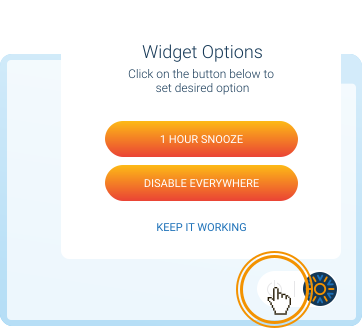
How to disable action button?
To hide extension button from page, hover it and click power off button to get more options.
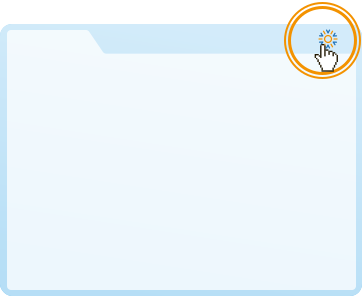
How to enable action button?
Find extension icon in the toolbar and click. And then just activate Toggle application state.
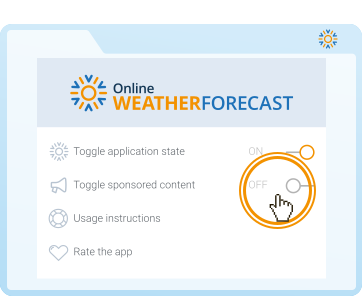
How to snooze sponsored content?
To stop sponsored content from appearing, change ‘Toggle sponsored content’ to Off.
How to change location?
If you need to check on weather report for some other location, take a look...
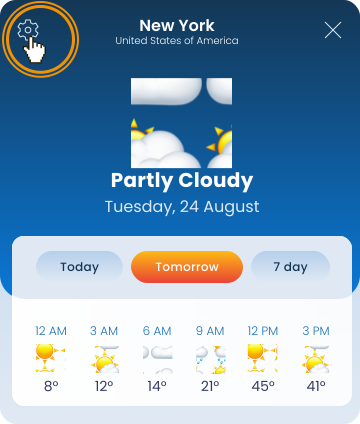
Go to Settings
Just click on the settings button to open app settings where you can change main options.
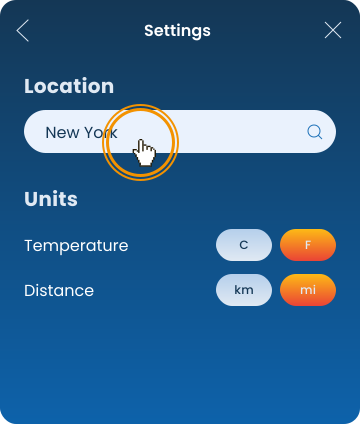
Search for new location
In Settings, click into the search bar and start typing new desired location.
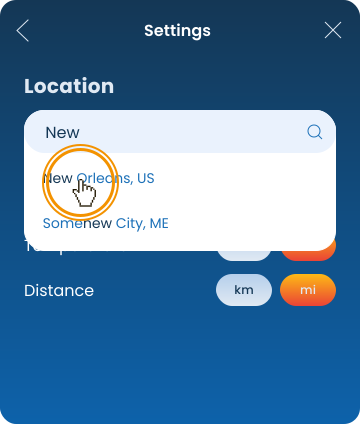
Pick a city from the list
Find desired location in list and click on it. From now on, this location will be presented in the app.